
The Settings section provides essential configuration options for managing passwords, ports, and enabling remote access to your mySCADA PRO Manager runtime.
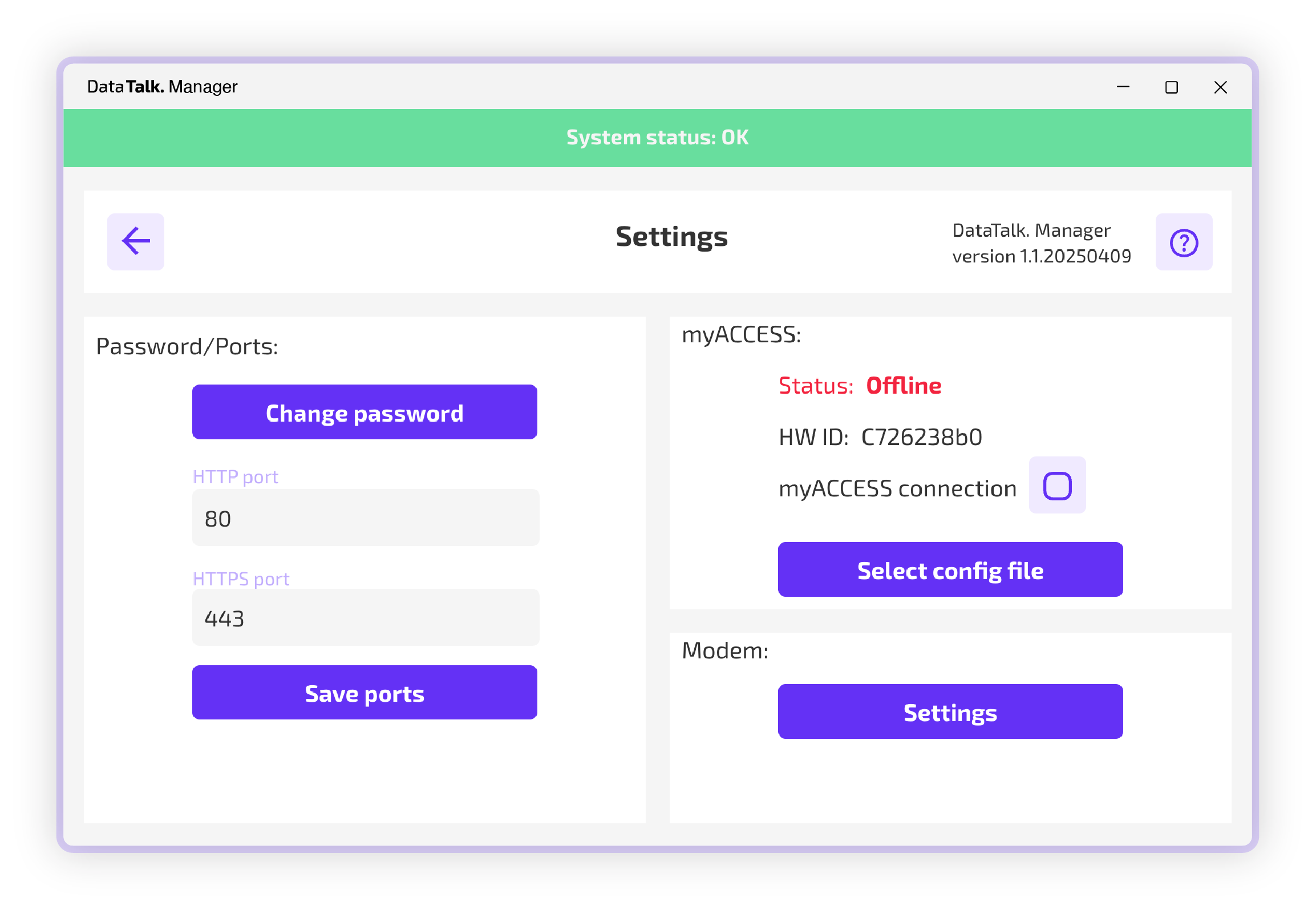
Key Features
Device Name
- This option allows you to assign custom name to the device so you can distinguish from other mySCADA PRO Manager devices
Webserver
- Allows you to configure different HTTP / HTTPs ports – for the runtime HMI – in case the default one’s are broken – we highly recommend keeping this option on default settings if there is no other service using these ports.
- You can as well upload certificates at this tab for the HMI
Change password
- Enables customization of HTTP/HTTPS ports for the mySCADA PRO Manager runtime.
- Allows changing password of currently logged user
Backup / Restory
- Provides the option to enable myACCESS, a service that connects the mySCADA PRO Manager runtime to a remote server.
- Allows to restore / backup settings of manager
Managment portal
- ?
myACCESS
- Allows device to connect to myACCESS portal
myACCESS
- Allows to manage user’s for mySCADA PRO manager – allowing / disabling 2FA, creating more users and giving users additional roles
Modem
- Provides the option to allow notifications for the owner of an integrated or external USB modem
- Please provide the modem settings with the AT modem port, which can be found in the device manager in Windows, or using the ls USB command in linux to get the path to the device.
Note: This service requires the DataTalk runtime to be running.
This section ensures flexibility in security and connectivity, offering both local and global access options for the mySCADA PRO Manager environment.